
JobSign field library
Clearer approvals start with clearer decisions.
Practical templates, examples, and field workflows for documenting scope, price, access, and customer decisions before the work moves forward.
Newest field guides
Built for the moment the job changes.
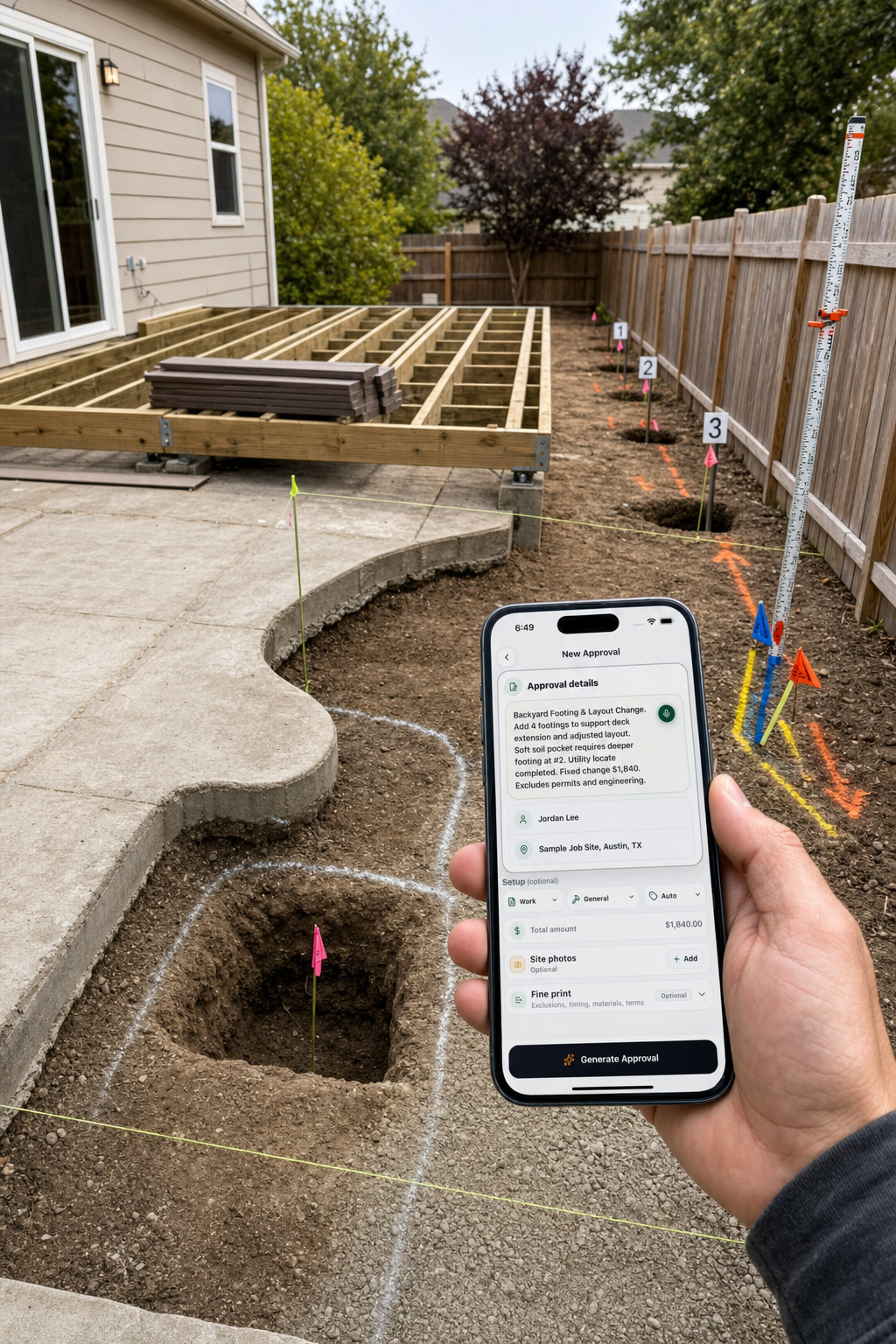
Outdoor-work change orders
Control layout, quantities, soil, utilities, footings, products, permits, and inspection changes.
Read the guide →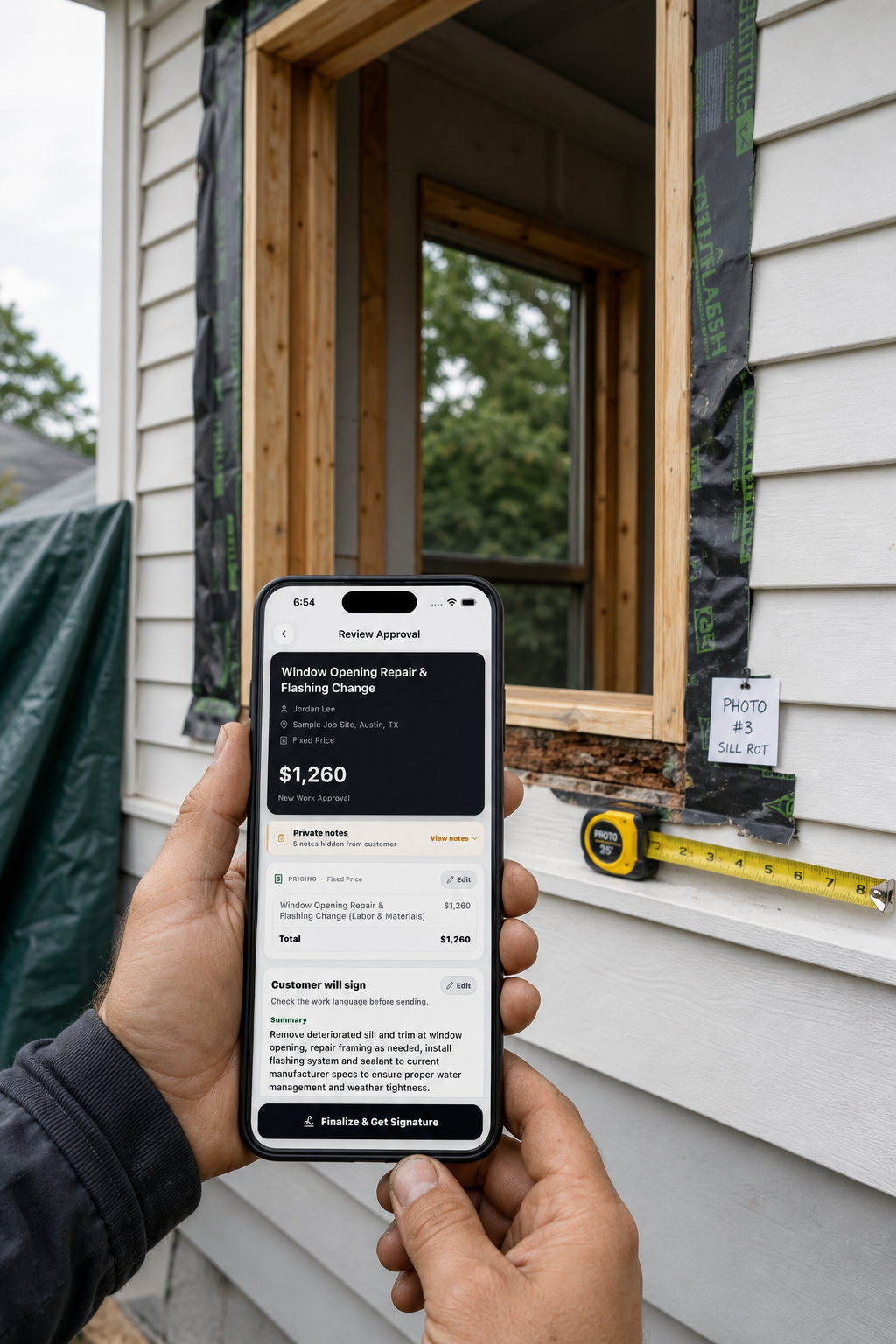
Window and door change orders
Control opening damage, product fit, flashing access, trim, selections, price, and schedule.
Read the guide →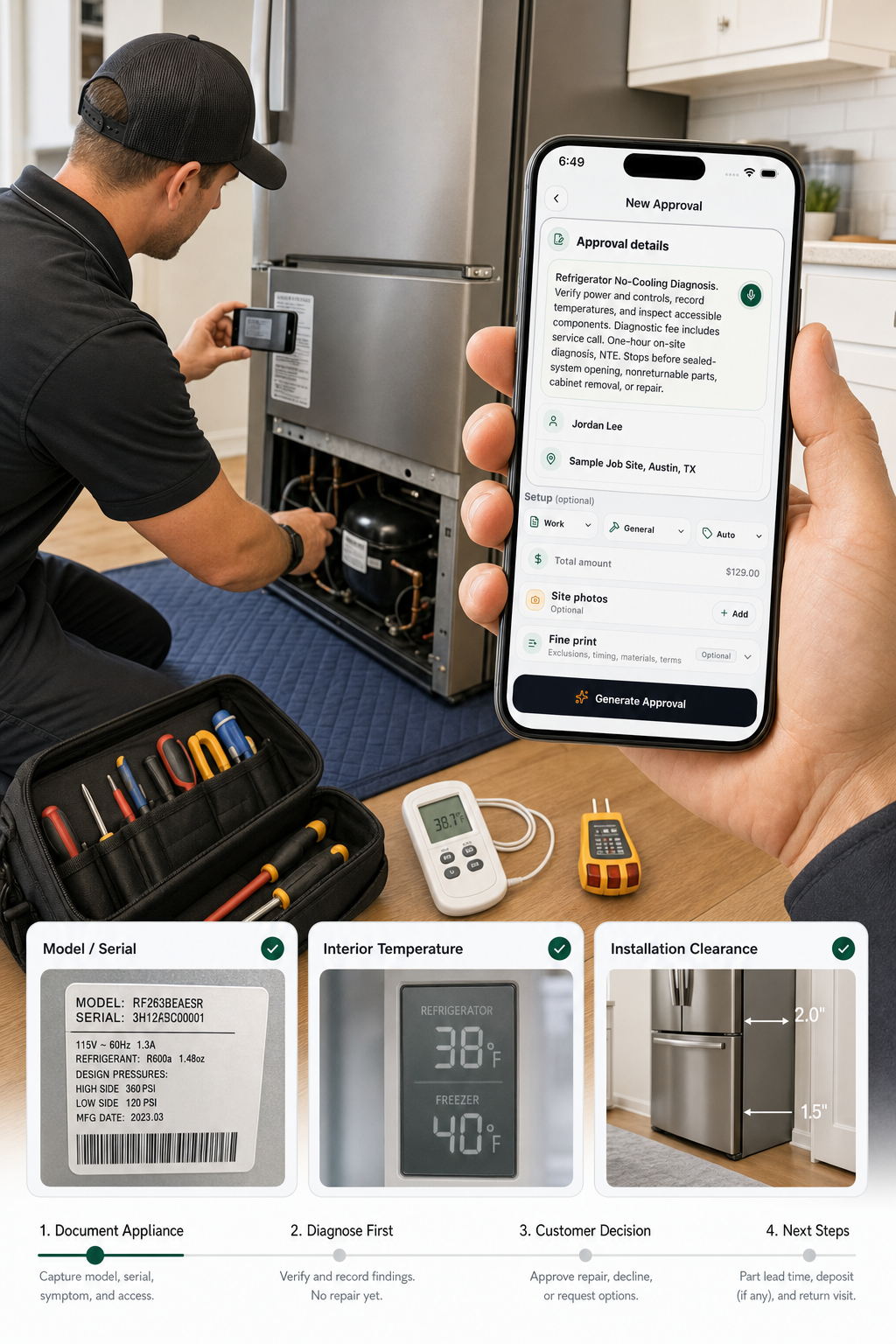
Appliance repair authorization
Connect diagnosis, access, parts terms, return labor, price cap, warranty, and decision.
Read the guide →
Auto repair authorization
Authorize vehicle diagnosis, parts, labor, teardown, added work, storage, and closeout.
Read the guide →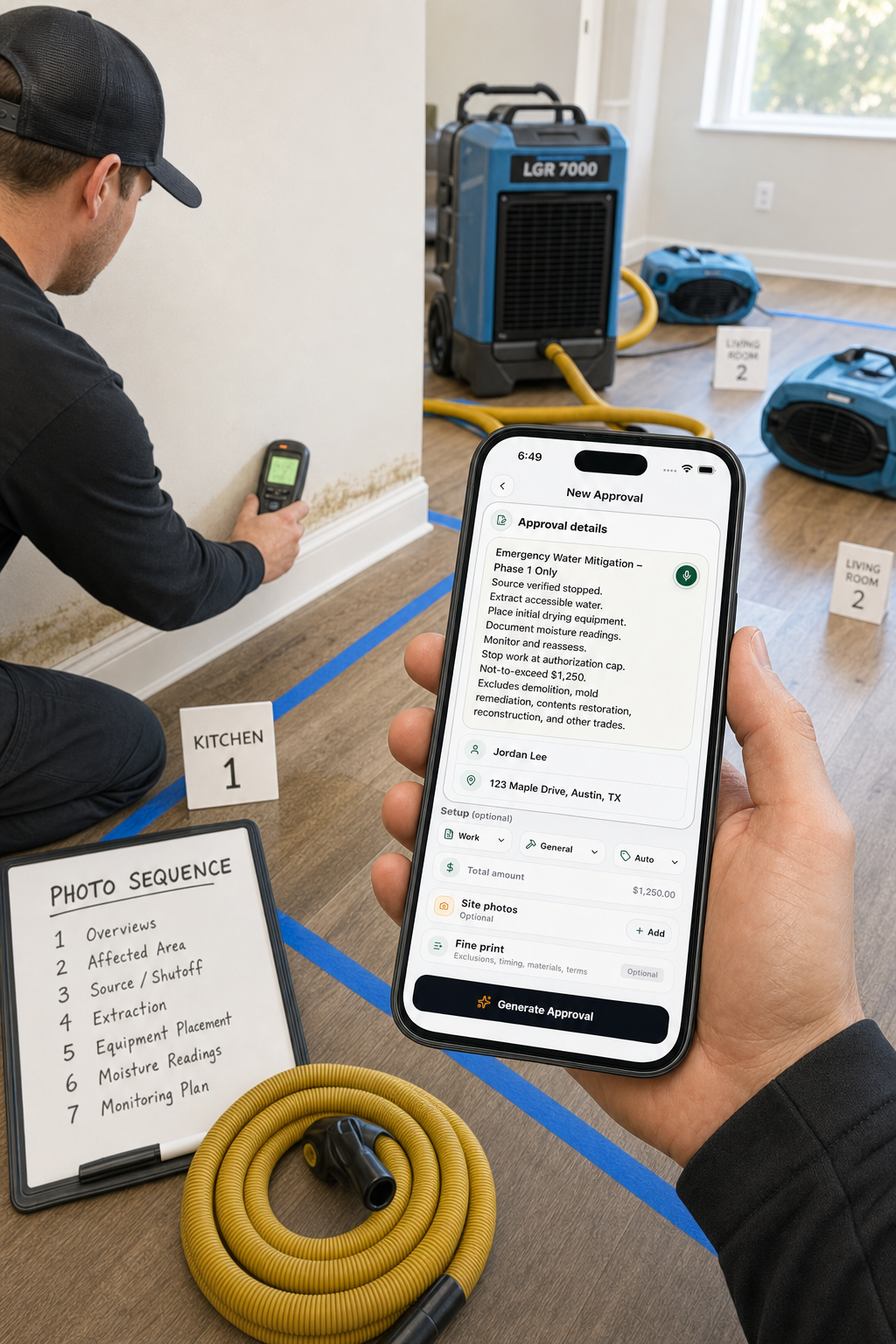
Water damage mitigation authorization
Authorize source/safety, extraction, equipment, monitoring, cap, stops, and next phase.
Read the guide →
Change order after work is done
Reconstruct chronology and request a present acknowledgment without backdating approval.
Read the guide →
Who can approve a change order?
Verify the party, delegation, decision scope, threshold, duration, identity, and record.
Read the guide →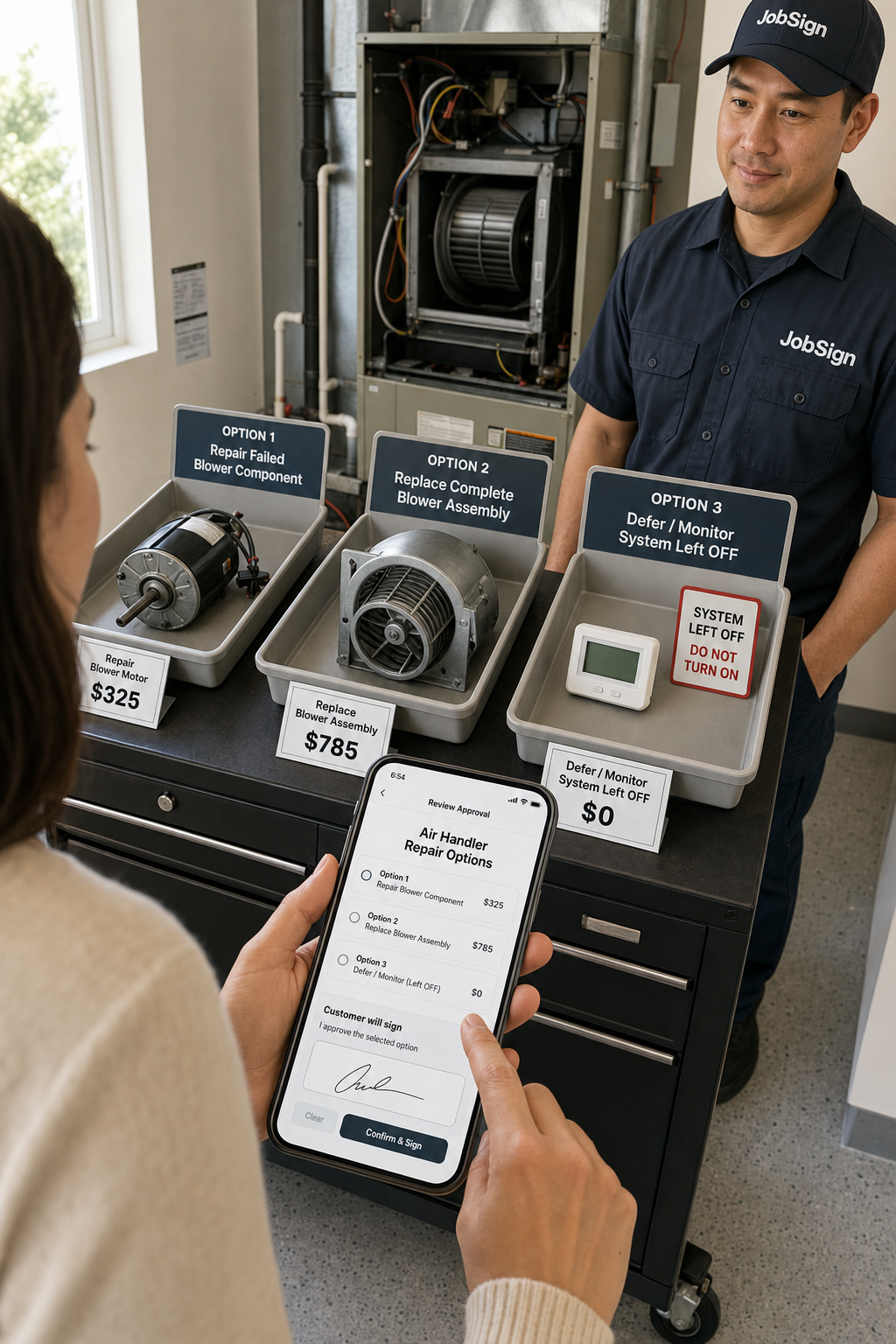
Repair options approval
Compare scope, total price, result, downtime, warranty, uncertainty, and exclusions equally.
Read the guide →
Declined repair acknowledgment
Record the recommendation, alternatives, customer choice, safety direction, and leaving condition.
Read the guide →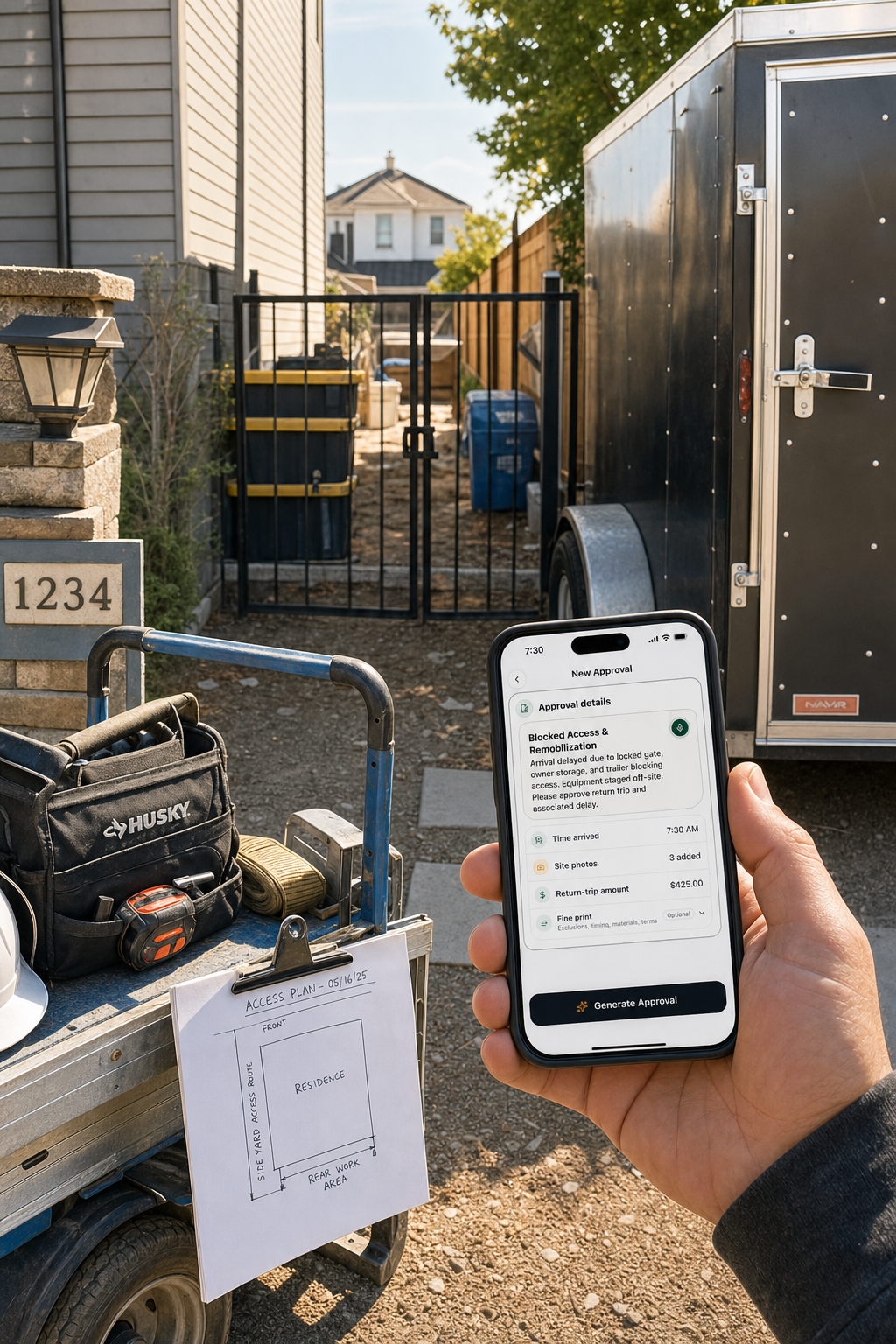
Jobsite access delay documentation
Record promised and actual access, affected tasks, mitigation, requested cure, and follow-up.
Read the guide →
Return trip charge authorization
Document the blocked visit, committed resources, charge basis, options, and confirmed return.
Read the guide →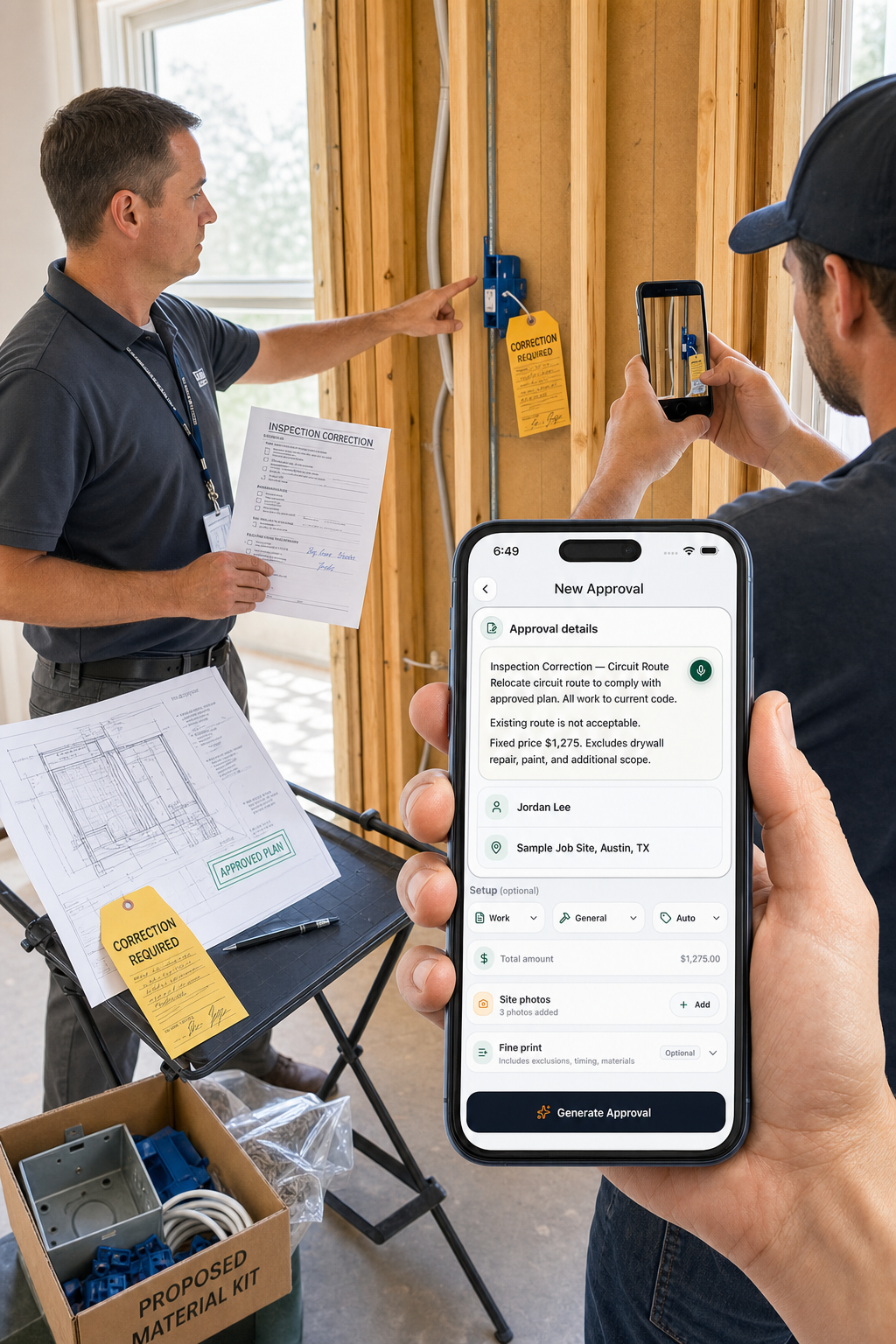
Inspector-required change orders
Separate the official correction, qualified interpretation, priced solution, and customer approval.
Read the guide →
Diagnostic work authorization
Authorize tests, access, fees, limits, findings, and the stop before repair.
Read the guide →
Landscaping change order examples
Control soil, irrigation, drainage, plants, access, utilities, weather, and quantity changes.
Read the guide →
Flooring and tile change orders
Approve subfloor, leveling, moisture, layout, transitions, shortages, and schedule changes.
Read the guide →
Drywall change order examples
Define patches, water damage, texture, backing, insulation, drying, paint, and hazard stops.
Read the guide →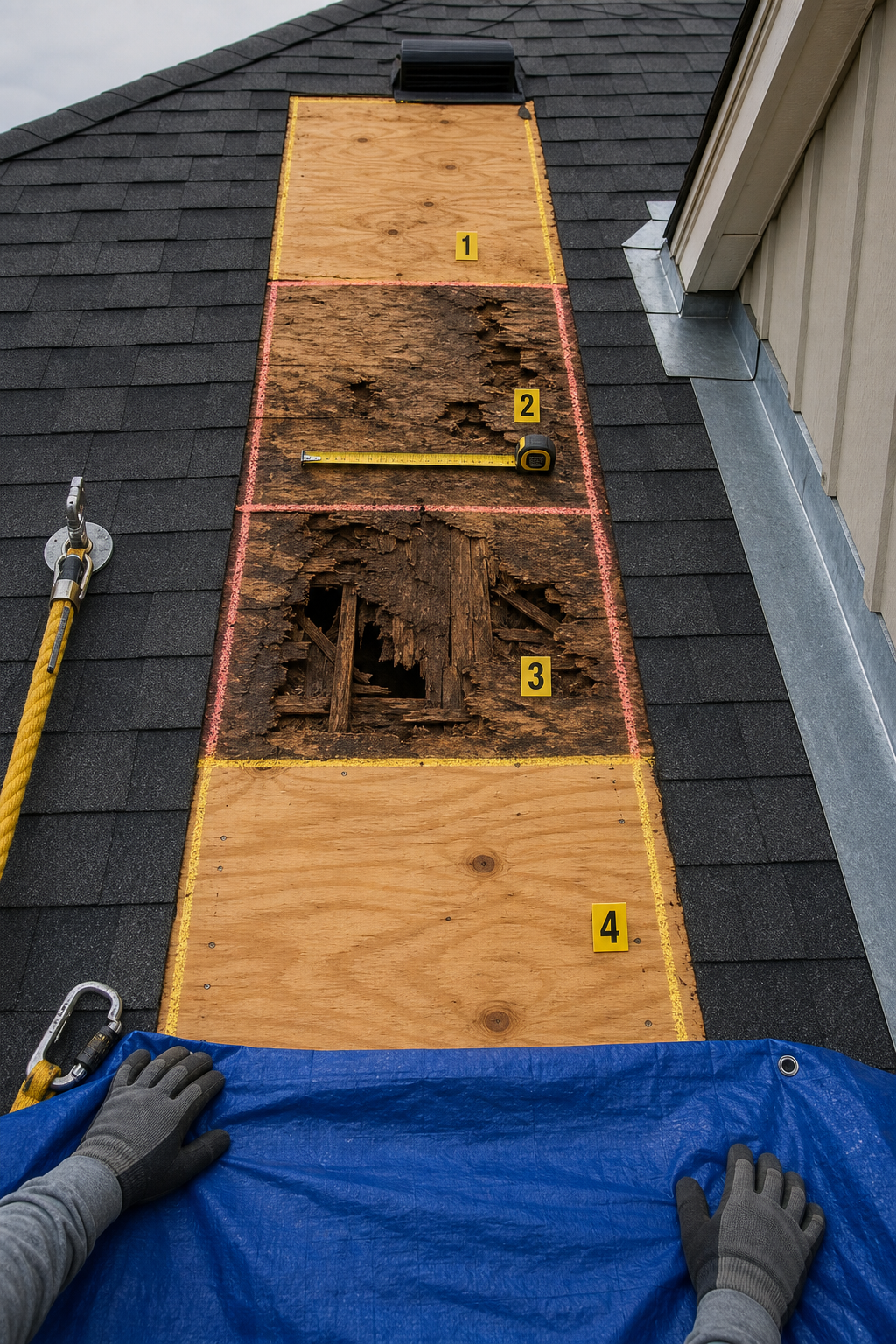
Roofing change order examples
Control decking, flashing, ventilation, upgrades, weather, and authority findings with four filled examples.
Read the guide →
Handyman extra-work examples
Approve bundles, minimums, owner items, hidden damage, returns, disposal, and scope boundaries.
Read the guide →
HVAC repair authorization examples
Approve diagnosis, components, refrigerant evaluation, after-hours work, and repair-versus-replace decisions.
Read the guide →
Electrical change order examples
Document devices, routes, panel findings, fixtures, outages, inspections, and patching with six filled examples.
Read the guide →
Plumbing work authorization examples
Separate symptoms, diagnosis, access, shutoff, repair, testing, and restoration with six filled examples.
Read the guide →
Painting change order examples
Adapt six filled examples for colors, coats, substrate, wallpaper, lead-safe work, and added surfaces.
Read the guide →
Customer approval workflow
Run intake, drafting, review, customer decision, release, changes, billing, and retention through clear gates.
Read the guide →
Estimate vs. work order
Carry selected scope, price, timing, authority, materials, constraints, and closeout into the field.
Read the guide →
Change order vs. contract addendum
Choose by timing, subject, contract authority, price/time effect, signatures, and incorporation.
Read the guide →
Document extra work with photos
Capture context, condition, scale, scope boundary, result, captions, metadata, and originals.
Read the guide →
Emergency repair authorization
Separate immediate response, limited stabilization, diagnosis, and permanent-repair approval.
Read the guide →
Customer won't sign a change order
Protect the site, diagnose the objection, offer clear options, and document the unresolved decision.
Read the guide →
Verbal vs. written approval
Compare scope, price, schedule, authority, field use, and evidence, then convert the conversation.
Read the guide →
Electronic signatures for contractors
Preserve intent, attribution, document integrity, delivery, consent, and retention with the signed record.
Read the guide →
Is a text message approval enough?
Test scope, price, intent, attribution, authority, required form, and record retention.
Read the guide →
How to price a change order
Reconcile labor, materials, equipment, subcontractors, markup, tax, schedule effects, and credits.
Read the guide →
Fixed price vs. time and materials
Choose by scope certainty, cost risk, records, budget control, and hybrid options.
Read the guide →
Change order vs. work order
Learn which record dispatches approved work, which modifies the agreement, and when a job needs both.
Read the guide →
What to include in a change order
Audit identity, scope, money, payment, time, evidence, authority, and signatures before work changes.
Read the guide →
Scope of work template
Define inclusions, exclusions, assumptions, responsibilities, unknowns, and an observable finish line.
Read the guide →
Contractor work order
Carry approved scope into the field, plan the visit, and return a complete closeout record.
Read the guide →
Contractor estimate approval
Freeze the version, confirm scope and options, and define exactly what the customer’s approval authorizes.
Read the guide →
Not-to-exceed authorization
Define what counts toward the ceiling, warn early, track the balance, and stop before exceeding approval.
Read the guide →
Time and materials ticket
Authorize rates and limits, then record labor, materials, equipment, receipts, and progress daily.
Read the guide →
Extra work authorization
Define added work, pricing method, approval limit, payment, schedule, and stop point.
Read the guide →
Change order template for contractors
Use the complete blank template, field workflow, and finished residential example.
Read the guide →
Customer selection change
Preserve the old choice, approve the revised product, and record order, price, and schedule effects.
Read the guide →
Unit-price extra work
Agree on the unit, price, estimate, measurement method, cost cap, and final quantity.
Read the guide →
Deductive change order
Remove work, document committed costs, calculate the credit, and revise the remaining job.
Read the guide →
Allowance overage change order
Show the allowance, selection cost, authorized adjustments, changed labor, and revised contract total.
Read the guide →
Material substitution approval
Compare the specified and proposed products across appearance, performance, installation, price, schedule, and warranty.
Read the guide →
Customer-supplied materials approval
Assign selection, delivery, compatibility, returns, product warranty, and installation responsibilities before work begins.
Read the guide →
Destructive access authorization
Define exactly what may be opened, what damage is expected, and where the diagnostic authorization stops.
Read the guide →
Hidden condition change order
Document what was discovered, connect it to the original scope, and get the added work approved.
Read the guide →Approval workflows
Find the right written yes.
Start and authorize work
Clarify the work before dispatch, diagnosis, or installation begins.
Measure layout, soil, utility, footing, and product changes.
Windows & doorsWindow and door change ordersPrice opening, flashing, trim, and product changes.
Home applianceAppliance repair authorizationControl diagnosis, parts, return visit, and price.
Vehicle serviceAuto repair authorizationControl diagnosis, repair, parts, and added work.
Water lossWater mitigation authorizationControl the emergency phase, equipment, and cap.
Late documentationAfter work is doneReconstruct facts without backdating approval.
Approval authorityWho can approve?Verify delegation, limits, identity, and the record.
Choose a repair pathRepair options approvalCompare viable choices on equal terms.
Repair declinedDeclined repair acknowledgmentPreserve the recommendation, choice, and safe status.
Blocked workfaceJobsite access delaysMap access, affected work, mitigation, and requested cure.
Return visitsReturn trip chargesExplain the event, price the impact, and confirm readiness.
Inspection correctionsInspector-required changesConnect an official item to a priced correction.
Diagnose firstDiagnostic authorizationUse one universal form across repair trades.
Site quantitiesLandscaping change ordersMeasure outdoor discoveries and owner-requested additions.
Floor systemsFlooring and tile changesControl substrate, layout, material, and transition decisions.
Drywall repairDrywall change ordersMeasure added repairs and define the finish boundary.
Roof discoveriesRoofing change ordersPreprice concealed decking and weather-sensitive changes.
Small-task extrasHandyman extra-work examplesUse seven concise approvals sized for phone review.
HVAC serviceHVAC repair authorizationsConnect diagnosis, options, limits, parts, and closeout.
Electrical changesElectrical change order examplesTranslate verified field findings into precise revisions.
Plumbing diagnosisPlumbing work authorizationsApprove diagnosis and discovered repairs in stages.
Painting changesPainting change order examplesPrice and approve six common painting scope changes.
Approval systemCustomer approval workflowUse one lightweight SOP from request through archive.
Sales to operationsEstimate vs. work orderMove an approved proposal into a controlled field assignment.
Choose the amendmentChange order vs. addendumSeparate pre-award revisions, project changes, and broader contract terms.
Field evidenceDocument extra work with photosUse a six-photo sequence and linked register for every change.
Urgent responseEmergency repair authorizationSet the immediate objective, spending limit, evidence, and safe stop.
Unresolved changeCustomer won't signUse a calm decision tree when a proposed change remains unapproved.
Field conversationVerbal vs. written approvalTurn an on-site request into a precise and durable decision record.
Electronic approvalElectronic signaturesBuild a complete signature packet around the exact signed document.
Informal approvalIs a text message enough?Separate useful message evidence from a complete, compliant approval record.
Price the changeHow to price a change orderBuild an auditable net price from scope delta, direct costs, markup, and credits.
Choose pricingFixed price vs. T&MMatch scope certainty and cost risk to the right pricing controls.
Choose the recordChange order vs. work orderCompare purpose, timing, authority, pricing, signatures, and field use.
Pre-sign auditWhat a change order includesCheck all 12 decision fields, arithmetic, attachments, authority, and signatures.
Work boundaryScope of work templateBuild verifiable deliverables, responsibilities, assumptions, exclusions, and acceptance criteria.
Dispatch and closeoutContractor work orderAssign approved work, plan site conditions, and preserve the field result.
Estimate acceptanceContractor estimate approvalRecord the selected scope, price, expiration, signature, and next authorized step.
Cost ceilingNot-to-exceed authorizationProceed with uncertain work under a defined maximum and stop rule.
Variable scopeTime and materials ticketSeparate advance authorization from transparent daily field records.
Added workExtra work authorizationGet a precise written yes before work outside the original scope begins.
Core templateChange order templateDocument changed scope, price, payment, schedule, evidence, and signatures.
SelectionsCustomer selection changeRecord a revised color, finish, fixture, layout, or model before ordering.
Measured unknownsUnit-price extra workPreapprove uncertain quantities using a verified unit and cost guardrail.
CreditsDeductive change orderDocument deleted scope and calculate an itemized contract credit.
AllowancesAllowance overage change orderReconcile an upgraded or below-allowance selection with transparent arithmetic.
All tradesContractor approval appGet customer approval in writing without adopting a full field-service platform.
AuthorizationWork authorization appTurn a plain job description into a signable work authorization.
EstimatesHandyman estimate approvalGive small jobs a professional approval without slowing the work down.
Manage owner-provided products
Clarify what the customer is supplying and who handles each decision if something is missing, incompatible, delayed, or defective.
Compare the original and replacement product before ordering or installation.
MaterialsCustomer-supplied materialsUse a responsibility matrix and signable approval before installing owner-purchased products.
InstallationWork authorizationDefine the installation labor, price, exclusions, and customer decision.
Site conditionDestructive accessGet separate permission when verification requires opening or removing finished work.
Handle changes and repairs
Record the discovery, changed scope, selected option, and customer decision.
Describe it once
Turn the field decision into a signed approval.
JobSign drafts the scope, price, exclusions, and customer-facing wording from the way you naturally describe the job.
Get JobSign